Sora AI Image Generator is Dead: Use PicRevamp Instead
 Picrevamp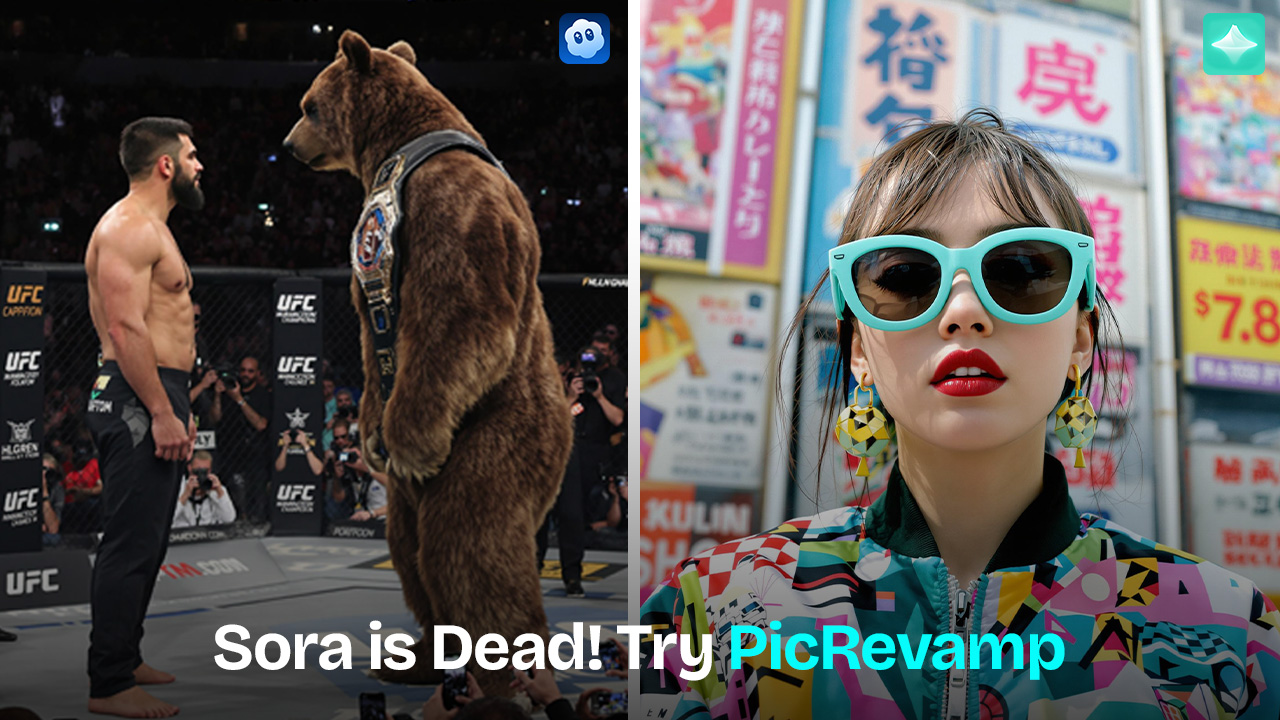
Sora is no longer the practical choice for AI image generation in 2026. PicRevamp lets users create AI images with multiple models.
Sora AI Image Generator: What It Means in 2026 and What to Use Instead
Introduction
Many people still look for the Sora AI image generator because they remember it as a creative tool that made impressive visuals from simple prompts.
However, Sora is no longer available as most users remember. According to OpenAI’s help center, the Sora web and app experiences ended on April 26, 2026.
So instead of asking, “How do I use Sora for images?” the real question is, “What should I use now to generate AI images?” This guide covers the best current options.
This guide explains what changed, what users want, and which practical tools work best in 2026.
What Is the Sora AI Image Generator?
The phrase "Sora AI image generator" usually refers to users trying to create still images using OpenAI’s Sora experience.
Sora was known for visual generation, but it focused more on video creation than on making still images. This led to confusion. Some people used Sora for image-like results, while others thought it worked like a typical text-to-image tool.
This confusion is important in 2026 because Sora’s web and app are no longer available. OpenAI now focuses on image generation through ChatGPT Images 2.0, which launched in April 2026.
Is Sora AI Image Generation Still Available in 2026?
No. As of 2026, the Sora web and app experiences are no longer available.
OpenAI says the Sora web and app experiences ended on April 26, 2026. So, if you search for the Sora AI image generator, you won’t be able to use it as before.
Reddit posts show why there’s confusion. Some users said Sora stopped working for image generation before it shut down, with errors during image creation. Others wondered if ChatGPT image generation would still work after Sora was gone.
Here’s the simple answer:
Sora is no longer a practical choice for AI image generation in 2026. It’s better to use a current AI image generator instead.
Why People Still Search for Sora Image Generation
Most people searching for 'Sora AI image generator' are looking for practical solutions.
People are usually trying to:
- Create AI images from text prompts.
- Find out whether Sora still works.
- Understand the difference between Sora and ChatGPT image generation.
- Look for a free or easy Sora alternative.
- Generate social media visuals, product concepts, posters, art, or character images.
This isn’t a research-focused search. People are looking for a tool they can use.
Most readers aren’t looking for a long technical background. They just want to know what works right now.
What to Use Instead of Sora for AI Images
Since Sora isn’t a reliable option anymore, it’s better to use tools made for AI images. The options below each have their own strengths, depending on what you need.
ChatGPT Images
ChatGPT Images 2.0 is OpenAI’s latest image generation model inside ChatGPT. According to OpenAI’s release notes, it’s available on all ChatGPT plans, and “images with thinking” is included on paid plans with the Thinking and Pro models.
It’s helpful for people who want to describe images in everyday language and improve their ideas through conversation.
Best for:
- General AI image generation
- Posters and visual concepts
- Typography-heavy designs
- Educational visuals
- Creative brainstorming
PicRevamp
PicRevamp is another good option if you want to make AI images directly, without relying on Sora. Its website features an Image Generator that lets users “Generate AI Images Using Best Image Models.”
This is important because different AI image models can give you different results from the same prompt. One model might be better for realistic photos, while another could be better for illustrations, characters, product images, or stylized art.
PicRevamp is helpful if you want to try several AI image-generation models in one place, instead of jumping between different tools.
Best for:
- Text-to-image creation
- Trying different AI image styles
- Social media visuals
- Creative image concepts
- Users who want multiple model options
Adobe Firefly
Adobe Firefly is a great choice for people focused on brand, marketing, or commercial design. Adobe says Firefly includes its own commercially safe generative AI models, plus partner models, all in one creative app.
Best for:
- Marketing visuals
- Brand-safe creative work
- Designers already using Adobe tools.
Midjourney
Midjourney is still popular with artists and creators who want a bold visual style. Its official site calls it a research lab that builds AI models for visual creation.
Best for:
- Artistic images
- Cinematic scenes
- Concept art
- Moodboards
Ideogram
Ideogram is helpful when you need the text in your image to look good. Its official site points out better typography, improved prompt alignment, and clearer text in generated designs.
Best for:
- Posters
- Logos
- Text-based graphics
- Social media designs with words
Quick Comparison of AI Image Generation Options
ChatGPT Images | GPT Image (Images 2.0) | General image generation | Good for natural language prompting and visual idea development |
PicRevamp | Nano Banana Pro, Nano Banana 2, Imagen 4, Nano Banana 2 Lite | Multiple AI image models | Lets users generate AI images directly using different image models |
Adobe Firefly | Firefly Image Model, partner models | Brand and commercial visuals | Strong fit for design-focused users and marketing workflows |
Midjourney | Midjourney V6 (latest versions) | Artistic image quality | Popular for stylized, cinematic, and creative visuals |
Ideogram | Ideogram Model (latest versions) | Text inside images | Better fit when readable words are part of the image |
The best Sora alternative depends on what you want to create. Most casual users should start with ChatGPT Images or PicRevamp. Artists might prefer Midjourney, while Ideogram is great for text-heavy designs.
How to Choose the Right AI Image Generator
Don’t pick an AI image tool just because it’s popular. Choose one based on the kind of image you need, so your next steps are practical.
Choose based on output type.
Ask yourself what you are making:
- A realistic product photo?
- A YouTube thumbnail?
- A fantasy character?
- A poster with text?
- A social media image?
- A blog featured image?
Each project needs a tool with the right strengths.
Check model variety
Some platforms offer just one model, while others let you use several different image models.
This is where tools like PicRevamp are useful. If one model doesn’t fit your prompt, another might give you a better style or layout.
Look at text accuracy.
If your image needs text, don’t assume every AI image generator will handle it well.
Use a tool known for good typography, or test your prompt before using it for final work.
Think about commercial use.
For business visuals, always check the tool’s usage rules. This matters for ads, product pages, packaging, and brand assets.mpts.
A tool might look great in demos but not fit your style. Try it with three to five real prompts before deciding.
Prompt Tips for Better AI Images
A good prompt doesn’t have to be long—it just needs to be clear. Start with a simple structure for better results.
Use this simple prompt structure.
Subject + style + setting + lighting + composition + format
Example:
“Minimalist product photo of a white ceramic coffee mug on a wooden desk, soft morning light, clean background, realistic style, square format.”
Include details that shape the final image.
Useful details include:
- Camera angle
- Lighting style
- Color palette
- Background
- Mood
- Image format
- Art style
- Level of realism
Try not to use vague prompts.
Weak prompt:
“Make a cool image of a robot.”
Better prompt:
“Friendly home assistant robot in a bright modern kitchen, soft natural light, warm colors, realistic 3D style, centered composition.”
Generate variations
Don’t settle for the first result. AI image generation often gets better with small changes to your prompt.
Try changing:
- Lighting
- Style
- Camera angle
- Background
- Color tone
- Image ratio
FAQs About Sora AI Image Generator
Is the Sora AI image generator available in 2026?
No. OpenAI says the Sora web and app experiences were discontinued on April 26, 2026. Users who want AI images should use current image generation tools instead.
Can I still generate AI images with OpenAI?
Yes. OpenAI introduced ChatGPT Images 2.0 in ChatGPT in April 2026, and its release notes say it is available on all ChatGPT plans.
What is the best Sora alternative for AI images?
For general image generation, ChatGPT Images and PicRevamp are practical choices. PicRevamp is useful if you want to generate AI images using multiple image models in one place.
Why do people still search for Sora AI image generator?
People search for it because they remember Sora as a visual AI tool and want to create images from prompts. Many also want to know whether Sora still works after the 2026 shutdown.
Is PicRevamp a Sora replacement?
PicRevamp is not Sora. It is a practical alternative for users who want to generate AI images directly with multiple AI image-generation models.
Which AI image generator is best for text in images?
Ideogram is a strong option for text-focused images because it highlights better typography and text rendering inside generated designs.
Should I use Sora for image generation now?
No. In 2026, it makes more sense to use a current AI image generator rather than search for Sora access.
Conclusion
The Sora AI image generator keyword shows a real user need, but the tool people want isn’t available anymore. That’s why it’s time to focus on current image-generation tools.
Since Sora’s web and app experiences ended in 2026, anyone wanting AI images should switch to current image generation tools. Start with ChatGPT Images or PicRevamp, and try Adobe Firefly, Midjourney, or Ideogram for other needs.
For most people, the next step is simple: pick a tool based on the image you want, write a clear prompt, make several versions, and refine your results.
If you wanted the Sora AI image generator mainly to make still images, start with a current image-generation tool instead. Try ChatGPT Images first, and check out PicRevamp if you want to use multiple AI image-generation models in one place.