Best Grok Imagine Alternatives for AI Image Generation in 2026
 Picrevamp
Compare the top Grok Imagine alternatives for image quality, editing, pricing, and commercial use.
Best Alternative AI Image Generators to Grok Imagine 2026: Top Tools Compared
The best Grok Imagine alternative depends on your needs. ChatGPT Images 2.0 works well for general image generation and editing. Gemini Nano Banana 2 and Nano Banana Pro are good for following prompts, editing images, and using reference images. Midjourney is still a top pick for artistic styles. Adobe Firefly is a reliable option for design teams focused on commercial use. Ideogram stands out for adding text to images. FLUX.2 is a solid choice for advanced users who want more control and flexible styles. PicRevamp is practical if you want image generation, editing, image-to-image features, multiple models, and templates that save you from writing long prompts.
Introduction
Grok Imagine is popular because it is part of the Grok ecosystem and makes image creation fast, social, and easy. For casual users, this is often all they need.
However, many people want more than just quick image results.
Designers look for stronger editing tools. Marketers need visuals that are safe for their brand. Content creators want styles they can use again and again. E-commerce teams need product images that look clean and consistent. Advanced users often want more model choices, better control, and clear pricing.
This is why more people are searching for the best AI image generator alternatives to Grok Imagine in 2026. They are not just asking, “What else can make images?” They want to know, “Which tool fits my workflow?”
This guide compares the most relevant AI image generators in 2026, including ChatGPT Images, Gemini Nano Banana models, Midjourney, Adobe Firefly, Ideogram, FLUX, Leonardo.Ai, Recraft, Magnific, and PicRevamp.
The goal is simple: to help you pick the right tool without spending hours testing every option yourself.
What is Grok Imagine?
Grok Imagine is xAI’s image and video generation system, integrated with Grok. It offers fast image creation, image editing, and video generation, with support for both text and image inputs. Users can quickly generate images or videos for social posts, creative ideas, or experimenting inside the Grok ecosystem.
Pricing is based on the type of image or video generated. Standard image generation is more affordable, while higher-quality or video options may cost more.
Grok Imagine strengths
Grok Imagine is useful when you want:
- Fast image ideas inside the Grok ecosystem
- Text-to-image generation
- Image-based generation or editing
- Casual creative exploration
- A tool connected to a real-time AI assistant
- Simple image and video creation in one place
It is a good fit for quick ideas, memes, social images, rough creative drafts, and for people who already use Grok.
Grok Imagine limitations
Grok Imagine does not suit everyone.
Its main limitations are:
- Less mature design workflow than tools like Adobe Firefly or Canva
- Less control than specialist tools for brand visuals
- Fewer professional editing features than dedicated image editors
- Not always ideal for commercial teams that need clear licensing workflows
- Limited ecosystem compared with platforms that support many models.
- Some users are concerned about privacy and content policies.
- Less predictable style consistency for multi-image campaigns
Some users are looking for alternatives because Grok’s image features and access rules have changed, especially regarding safety and paid access. In early 2026, news reports covered new restrictions after public criticism of some generated images.
Who should use Grok Imagine?
Grok Imagine is best for:
- Grok users who want fast image ideas
- Social media users are making quick visuals.
- People who like experimenting with AI images
- Creators who want both image and video generation in one AI assistant
- Users who do not need deep editing or brand controls
If you need polished images, better editing, more model choices, safer commercial workflows, or stronger brand consistency, it is worth looking at other options.
Why People Look for Grok Imagine Alternatives
People usually do not switch tools for just one reason. Most start searching when a tool is fine for quick ideas, but not strong enough for serious projects.
Image quality
Grok Imagine can create useful images, but image quality is only one part of the decision. A good AI image generator should handle faces, hands, lighting, texture, product details, backgrounds, and text without constant retries.
In professional work, even a small mistake can ruin the final image.
Editing control
Many users now care more about editing than generation. They want to upload an image and change only one part of it.
For example:
- Change the background
- Keep the same face
- Replace a product setting.
- Add brand colors
- Change clothing
- Fix lighting
- Expand the image
- Remove an object
Tools that offer strong image-to-image editing are often better than those that only make new images from prompts.
Speed
Speed matters when you are brainstorming. But it matters even more when you create dozens of images for ads, thumbnails, product listings, or social posts.
A slower tool can still be worth using if it produces better images. But for daily content, working quickly saves time.
Prompt following
The best AI image tools understand detailed prompts. They follow instructions about subject, style, lighting, camera angle, color, background, and layout.
If a tool does not follow prompts well, you end up with a lot of trial and error.
Style diversity
Some tools are better at realism. Some are better at fantasy art. Some are better at product photography. Some are better at posters and typography.
A good Grok Imagine alternative should fit your style.
Commercial use
Businesses need to know whether they can use the output in ads, websites, product pages, packaging, or client work.
This is where tools like Adobe Firefly, Canva, and enterprise-ready platforms often stand out.
Pricing
Grok Imagine pricing is straightforward, but everyday users may still compare alternatives based on free plans, subscription value, usage limits, and credit systems.
The cheapest tool is not always the best. The real question is how many usable images you get for the price.
Privacy
If you upload product photos, model images, client work, or brand assets, privacy is important. Businesses should review each tool’s data policies and terms before using it for sensitive projects.
Below are the strongest alternatives worth considering in 2026.
1. ChatGPT Images 2.0 and GPT Image 2
Overview
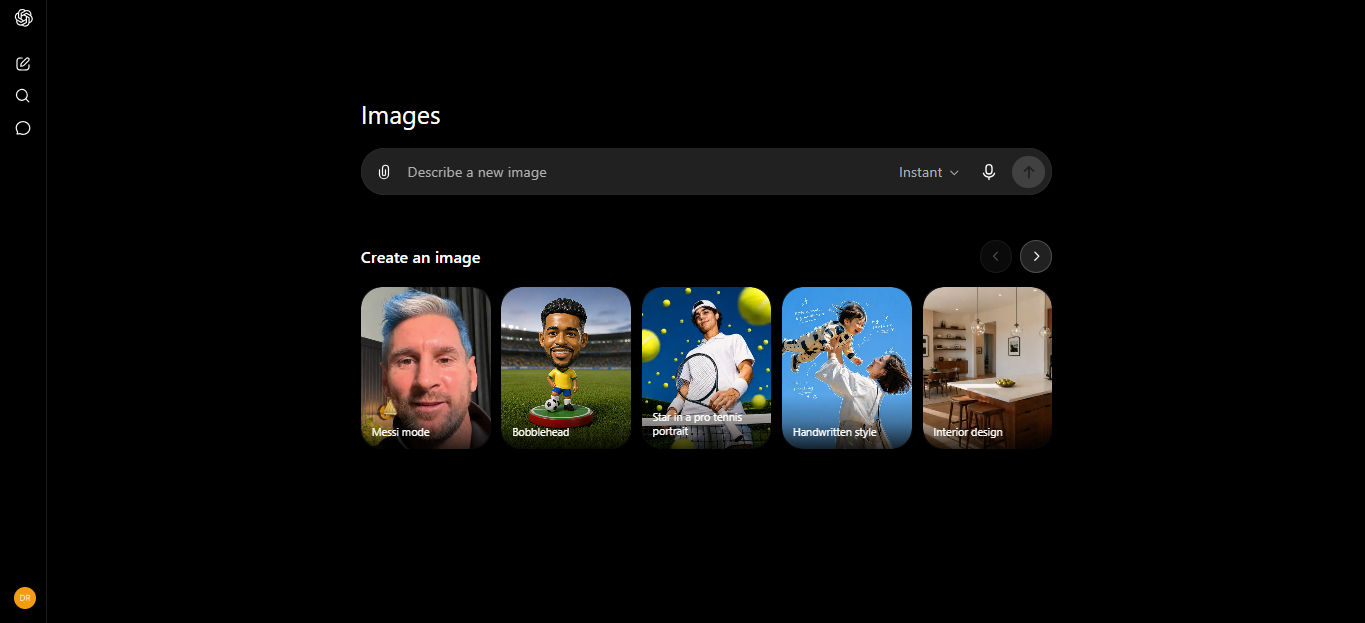
ChatGPT Images has become one of the strongest all-around alternatives to Grok Imagine. It supports both image generation and editing, all within a natural chat workflow. Users can create images, request edits, and refine results directly inside ChatGPT, making it easy for both beginners and advanced users.
ChatGPT is especially useful because image generation sits inside a chat workflow. You can ask for an image, request revisions, explain the brand mood, and continue refining the result in plain language.
Best for
ChatGPT Images is best for:
- Beginners
- Blog images
- Social content
- Marketing ideas
- Product concepts
- Image edits
- Users who want natural conversation-based editing
Strengths
- Easy to use
- Strong prompt understanding
- Good for editing and revision
- Works inside ChatGPT
- Useful for image generation and content planning together
- Simple interface for all users
ChatGPT pricing also gives users several access levels. OpenAI lists image generation on both free and paid ChatGPT plans, with different limits, while paid plans, such as Plus and Pro, offer higher limits.
Weaknesses
- Free usage can be limited.
- Very precise brand consistency may still need multiple tries.
- Some advanced features may require a paid plan.
- Some advanced image features depend on plan access.
Pricing
ChatGPT has a free plan with limited image generation. Paid plans include ChatGPT Go, Plus, and Pro, with OpenAI listing Go at $8/month, Plus at $20/month, and Pro at $200/month on its pricing page.
Why choose it over Grok Imagine?
Choose ChatGPT Images for a flexible, creative assistant. It is easier to explain, revise, and edit images through conversation instead of just making one image at a time.
2. Google Gemini Image Generation, Nano Banana 2, and Nano Banana Pro
Overview
Google’s Gemini image-generation tools are among the most important alternatives to Grok Imagine in 2026.
Google’s Gemini image-generation tools include several 'Nano Banana' models: Nano Banana 2 Lite, Nano Banana 2, Nano Banana Pro, and the older Nano Banana model. Nano Banana 2 balances speed, high-resolution output, and strong text and reference image handling. Nano Banana Pro is best for complex visual tasks, brand consistency, and precise creative control.
Best for
Gemini image models are best for:
- Image editing
- Reference-based generation
- Brand consistency
- Product concepts
- Multilingual visuals
- Advanced users who want Google’s latest image models
- Users who want a strong prompt following
Strengths
- Strong text-to-image generation
- Good image editing support
- Strong reference image workflows
- Useful for consistent characters, products, and styles
- Nano Banana Pro is better suited for brand and advanced creative work.
- Access through Google’s AI tools and paid plans
- SynthID watermarking on generated images
Google’s documentation also supports text-to-image and text-and-image-to-image workflows, which makes Gemini useful when you want to edit or transform an uploaded image.
Weaknesses
- Model naming can be confusing.
- Pricing and access can vary by plan, region, and usage limits.
- Some advanced models may require higher-tier access.
- Beginners may need time to understand which Nano Banana model to choose.
Pricing
Gemini image generation is available through Google AI products. Pricing depends on the model, plan, region, and usage. Higher usage limits and advanced features are available on paid plans.
Why choose it over Grok Imagine?
Choose Gemini Nano Banana models if you want better image editing, control over reference images, brand consistency, and more creative control. Nano Banana 2 and Nano Banana Pro are especially helpful when your image needs to follow detailed instructions.
3. Midjourney
Overview
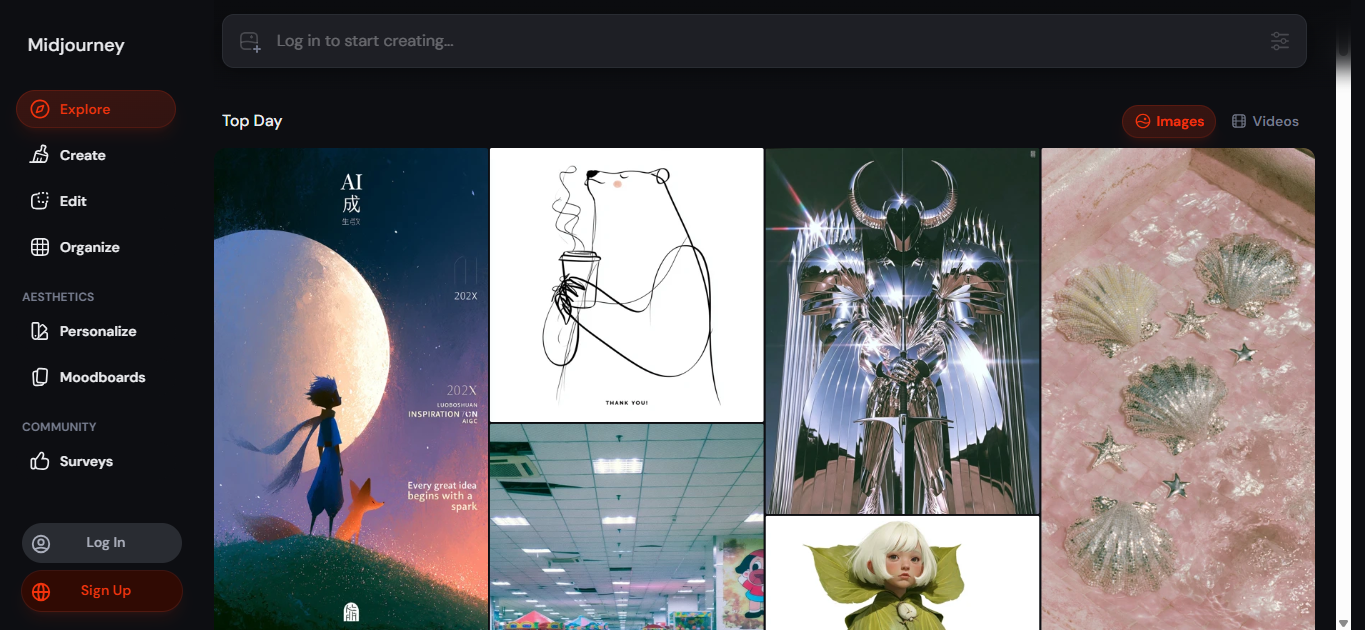
Midjourney remains one of the best AI image generators for visual style. It is popular with artists, designers, concept creators, and anyone who wants polished, expressive images.
Midjourney’s official plan page lists Basic, Standard, Pro, and Mega subscription tiers. It also notes that Standard, Pro, and Mega include unlimited image generation in Relax mode, while Stealth mode is available on Pro and Mega plans.
Midjourney’s current version information also points to V8.1 features, such as HD images and 2K generation without upscaling.
Best for
Midjourney is best for:
- Concept art
- Editorial visuals
- Posters
- Moodboards
- Character ideas
- Fantasy and cinematic styles
- Designers who care about visual taste
Strengths
- Excellent artistic image quality
- Strong style range
- Great for inspiration
- Good for high-impact creative visuals
- Active creator community
Weaknesses
- Less beginner-friendly than simple web tools
- Editing workflows can feel less direct than ChatGPT, Gemini, or Firefly.
- Commercial teams may need to manage licensing and privacy settings carefully.
- No true free plan for regular use
Pricing
Midjourney uses paid subscription tiers. Users should check the official Midjourney plan page for current pricing and usage limits.
Why choose it over Grok Imagine?
Pick Midjourney if visual style is more important to you than speed. It is one of the best tools for artistic images, campaign ideas, posters, and any visuals that need a creative touch.
4. Adobe Firefly
Overview
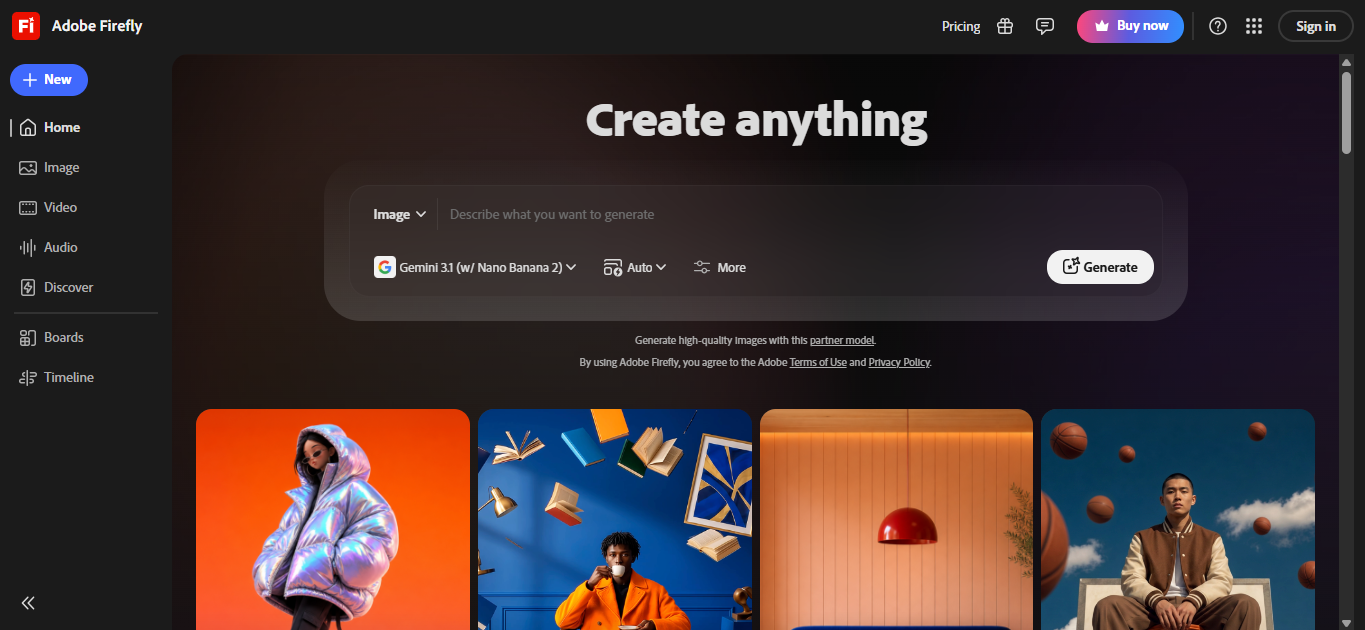
Adobe Firefly is a strong alternative to Grok Imagine for designers, agencies, and businesses. It works well because it connects image generation with Adobe’s design ecosystem.
Adobe lists Firefly plans that include Generate Image, Generative Fill, Generative Expand, Text to Vector, and other creative features. Adobe also states that paid plans include unlimited standard image and vector generations, while generative credits apply to premium features.
Adobe also emphasizes commercially safer AI models, Content Credentials, Creative Cloud integration, and partner models.
Best for
Adobe Firefly is best for:
- Graphic designers
- Creative agencies
- Brand teams
- Commercial campaigns
- Photoshop users
- Businesses that care about safer licensing
Strengths
- Strong integration with Adobe tools
- Good for generative fill and image expansion
- Useful for design production
- Commercial-friendly positioning
- Content Credentials support
- Good for teams already using Adobe Creative Cloud
Weaknesses
- Can feel less experimental than Midjourney
- The best value comes if you already use Adobe tools.
- Advanced usage may require credits or paid plans.
Pricing
Adobe offers a free Firefly plan with a limited number of daily generations. Paid plans include Firefly Standard at $9.99/month, Pro at $19.99/month, Pro Plus at $49.99/month, and Premium at $199.99/month. Pricing can change, so always confirm before buying.
Why choose it over Grok Imagine?
Choose Adobe Firefly if you need images for clients, brand assets, or commercial design. It is a better choice when you care about licensing, editing, and working with design software.
5. Ideogram 4.0
Overview
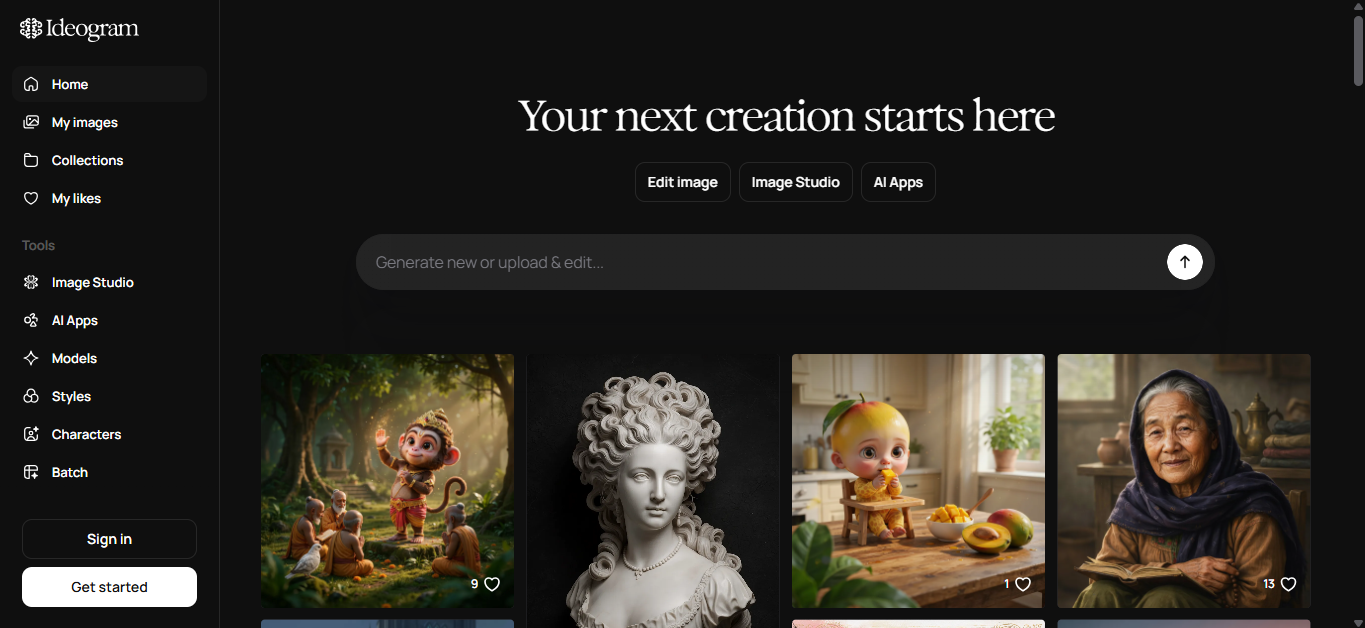
Ideogram is one of the best alternatives to Grok Imagine for text in images. This matters for posters, ads, thumbnails, logos, labels, social graphics, and product mockups.
Ideogram’s homepage describes Ideogram 4.0 for its prompt fidelity, clear type, reliable editing, better typography, native transparency, and enterprise workflows.
Best for
Ideogram is best for:
- Posters
- Logos
- Social graphics
- Text-heavy images
- Ad creatives
- Thumbnails
- Brand experiments
Strengths
- Strong text rendering
- Good prompt following
- Useful editing options
- Transparency support
- API access
- Enterprise options for branded workflows
Weaknesses
- Not always the top choice for painterly art
- Some styles may require extra prompt testing.
- Free usage may be limited.
Pricing
Ideogram offers flexible pricing based on image quality and feature set. The tool includes options like Generate, Remix, Edit, Reframe, and Replace Background.
Why choose it over Grok Imagine?
Pick Ideogram if your image needs clear, readable text. It works best for posters, sales graphics, quote cards, packaging ideas, and social ads where the words need to look right.
6. FLUX.2 by Black Forest Labs
Overview
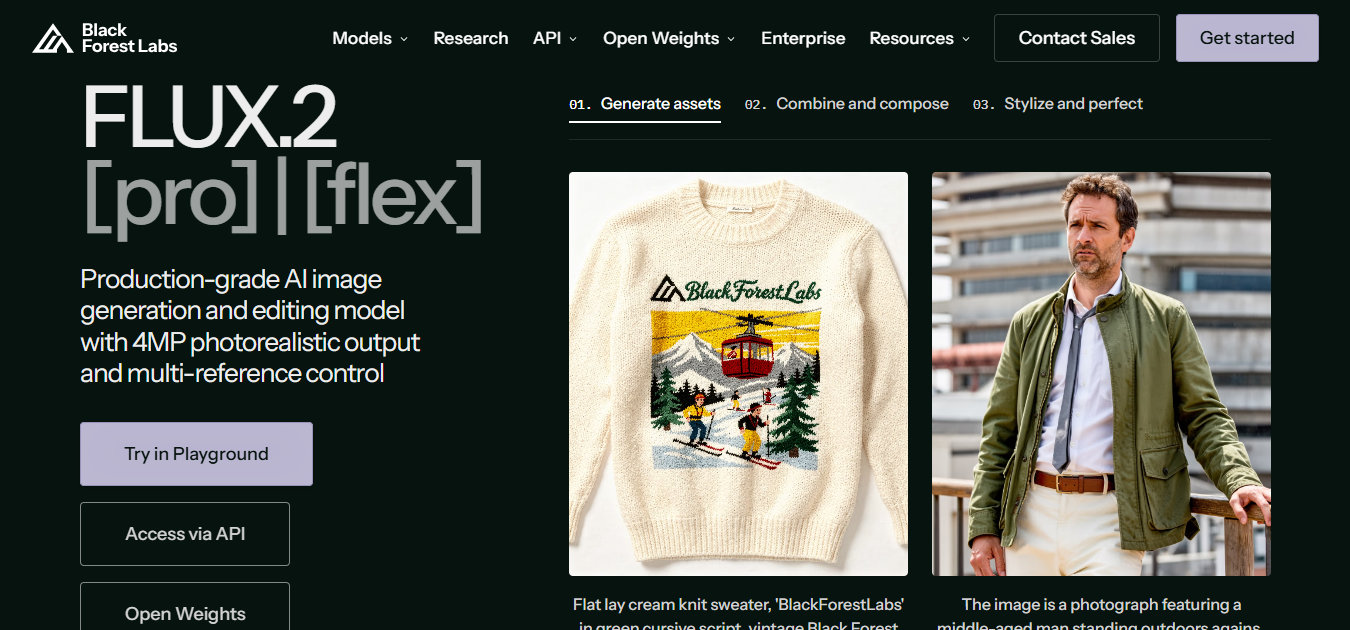
FLUX.2 is best for advanced creators who want strong image quality, flexible styles, and more control over image generation. It may not be the easiest option for beginners, but it is useful for users who like testing advanced AI image models and want more creative control than basic tools provide.
FLUX.2 gives advanced users more control over image style, detail, and output quality, but beginners may find it less simple than tools like ChatGPT Images or Canva.
Best for
FLUX is best for:
- Advanced creators
- AI artists
- Advanced creators
- Visual designers
- Users who want more control
- Style experimentation
- High-quality image generation
Strengths
- Strong model quality
- Flexible visual styles
- Good for advanced prompts
- Better control than basic AI image tools
- Useful for style testing and creative experiments
Weaknesses
- Not the simplest option for beginners
- May require more setup than web-based tools
- Licensing and deployment choices need careful review.
Pricing
Black Forest Labs lists pay-as-you-go pricing with no subscriptions. Pricing depends on model choice and usage.
Why choose it over Grok Imagine?
FLUX.2 is best for advanced creators who want high image quality, flexible styles, and more control. It is not the easiest for beginners, but it is useful if you like testing advanced AI image models.
7. Leonardo.Ai and Canva
Overview
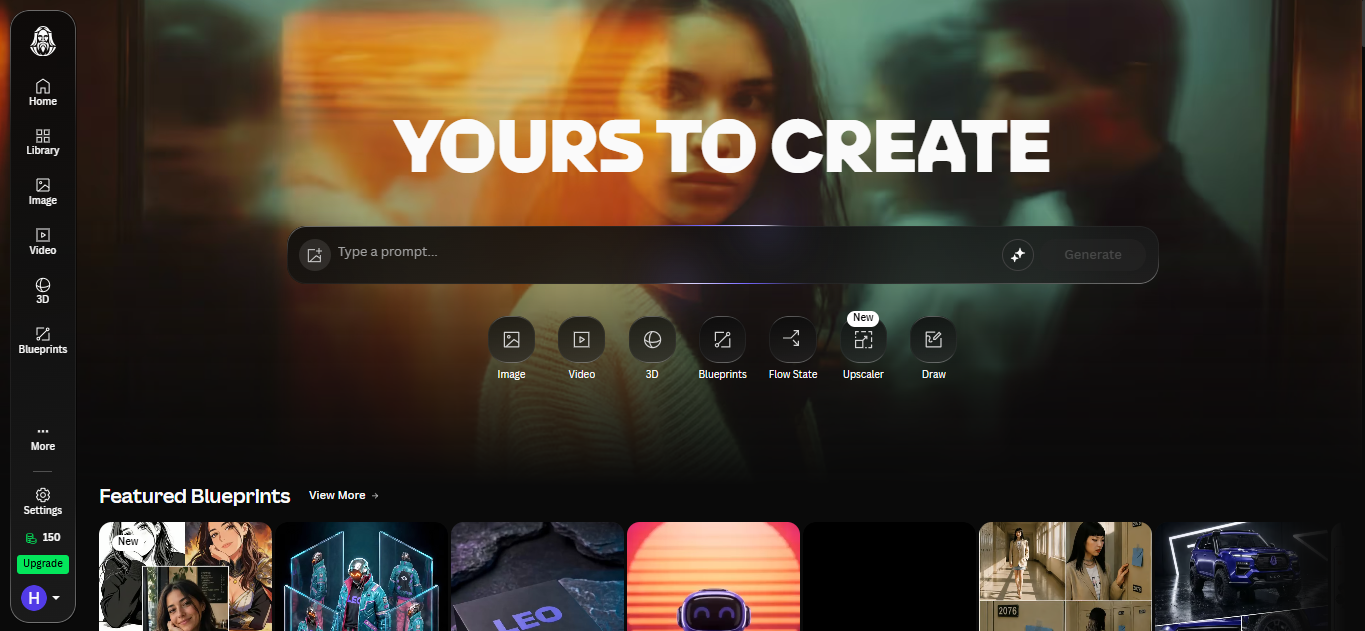
Leonardo.Ai is useful for image generation, creative production, and design workflows. Canva acquired Leonardo.Ai in 2024, bringing Leonardo’s AI capabilities into Canva’s broader design ecosystem.
Canva’s business pages now connect Leonardo.Ai creations with Canva’s design suite, allowing teams to turn AI outputs into social posts, presentations, prints, websites, and branded assets. Canva also supports brand assets such as logos, fonts, and colors for team workflows.
Best for
Leonardo and Canva are best for:
- Content creators
- Social media teams
- Small businesses
- Brand kits
- Marketing assets
- Canva users
- Teams that need design templates
Strengths
- Beginner-friendly
- Good for social and marketing visuals
- Canva integration is useful for teams.
- Brand assets and templates help keep visuals consistent.
- Leonardo gives creators more AI image options.
Weaknesses
- Advanced users may want more direct control over the model.
- Results can vary depending on template, style, and model.
- Commercial terms should be checked for each workflow.
Pricing
Leonardo offers free daily tokens and paid plans with monthly token allowances. Canva offers free and paid plans, as well as business plans for teams.
Why choose it over Grok Imagine?
Pick Leonardo or Canva if you want your AI images to become real marketing materials. They are better for social posts, presentations, ads, brand kits, and team design projects.
8. Recraft
Overview
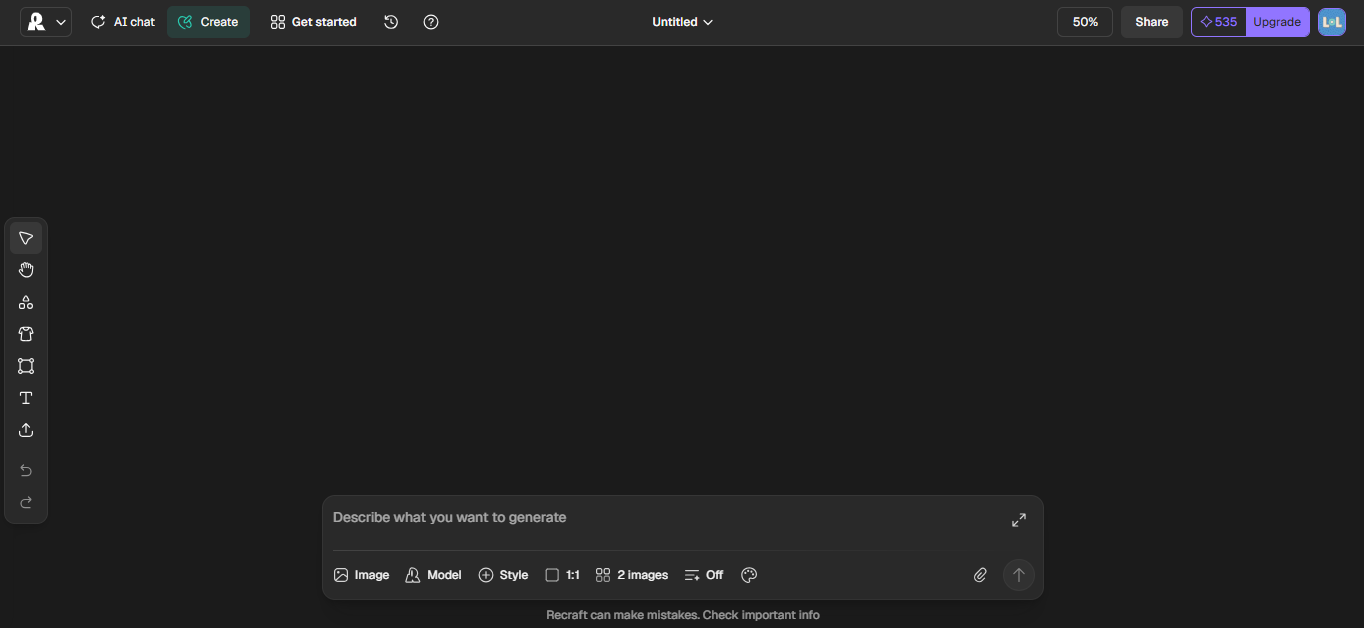
Recraft is a strong option for designers who need editable visuals, vectors, brand assets, and design-ready output. Its homepage highlights AI image generation, vector generation, vectorization, image editing, mockups, upscaling, background removal, and erasing tools.
Recraft is especially useful when the final asset needs to be edited inside a design workflow.
Best for
Recraft is best for:
- Designers
- Brand identity work
- Vector graphics
- Icons
- Mockups
- Product visuals
- Design systems
Strengths
- Strong vector support
- Useful for editable graphics
- Good for brand systems
- Includes many design tools in one place
- Helpful for mockups and product visuals
Weaknesses
- Less focused on casual fun than Grok Imagine
- Some users may prefer a simpler prompt-only generator.
- Pricing and feature limits should be checked before heavy use.
Pricing
Recraft offers free and paid options. Pricing can change, so check the current pricing page before choosing a plan.
Why choose it over Grok Imagine?
Choose Recraft if you need images that can be turned into editable design assets. It is especially good for vector graphics, mockups, branding, and professional design tasks.
9. Magnific, formerly Freepik
Overview
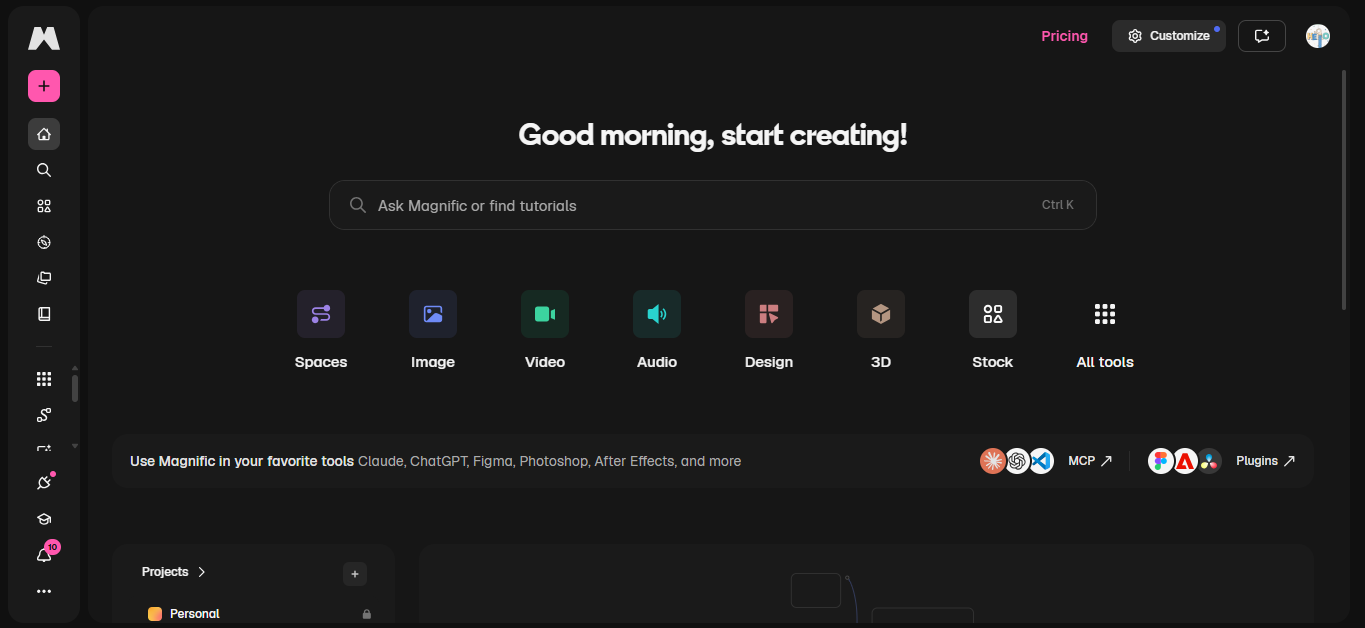
Magnific, formerly Freepik, is useful for creators who want access to many AI image and video tools in one place. Its official site highlights product shots, brand campaigns, filmmaking, AI video, and flexible credits. It also says that users can access multiple top-performing generative models from a single platform.
The app listing describes Magnific as an all-in-one AI image and video generator for creating images and videos, editing photos, and designing visuals.
Best for
Magnific is best for:
- Content creators
- Social media teams
- Product visuals
- AI video users
- Designers who want many models
- Creative teams that need variety
Strengths
- Multiple models in one platform
- Image and video generation
- Useful for product shots and campaign visuals
- Flexible credit system
- Good for creators who want variety without switching tools
Weaknesses
- Model choice can feel overwhelming.
- Credit systems can be harder to predict than fixed plans.
- Commercial teams should check license terms for each use case.
Pricing
Magnific uses credits and paid plans. Check the current plan page before choosing it for regular production.
Why choose it over Grok Imagine?
Pick Magnific if you want a creative platform that offers both image and video editing with many model choices. It is a good fit for creators who want variety and do not want to use just one model.
Comparison Table
Which AI Image Generator Should You Choose?
The best tool is the one that fits the kind of work you do most.
Generator | Best For | Image Quality | Editing | Ease of Use | Free Plan | Commercial Use |
Grok Imagine | Fast creative ideas inside Grok | Good | Basic to moderate | Easy | Depends on access | Check xAI terms |
ChatGPT Images 2.0 | General image generation and edits | Very good | Strong | Very easy | Limited | Check OpenAI terms |
Gemini Nano Banana 2 / Pro | Editing, reference images, brand consistency | Very good | Strong | Easy to moderate | Available in some Google products | Check Google terms |
Midjourney | Artistic and cinematic images | Excellent | Moderate | Moderate | No regular free plan | Paid plan terms apply |
Adobe Firefly | Commercial design and Creative Cloud workflows | Very good | Strong | Easy | Limited | Strong commercial-use positioning |
Ideogram 4.0 | Text in images, posters, ads | Very good | Strong | Easy | Limited | Check plan terms |
FLUX.2 | Advanced image control and flexible styles | Very good | Moderate | Advanced | Depends on access | Check license terms |
Leonardo.Ai / Canva | Social content and brand assets | Good to very good | Good | Very easy | Yes, limited | Check Canva/Leonardo terms |
Recraft | Vectors, mockups, brand visuals | Very good | Strong | Easy | Yes, limited | Check plan terms |
Magnific | Multi-model image and video creation | Very good | Good | Easy | Limited | Check plan terms |
PicRevamp | Image generation, editing, templates, model choice | Good to very good | Strong | Easy | Check current plan | Check PicRevamp terms |
For beginners
Choose ChatGPT Images, Canva, or PicRevamp.
These tools are easy to start with since you do not need any technical setup. ChatGPT is great for making images through conversation. Canva helps turn images into finished designs. PicRevamp is helpful if you want templates and model options without writing long prompts.
For designers
Choose Midjourney, Adobe Firefly, Recraft, or Ideogram.
Midjourney is great for creative style. Adobe Firefly works well with Photoshop and commercial design. Recraft is good for vectors and editable assets. Ideogram is best when your image needs text.
For content creators
Choose ChatGPT Images, Magnific, Leonardo.Ai, Canva, or PicRevamp.
Content creators need speed, different styles, and easy editing. These tools help make thumbnails, social posts, blog images, product photos, and campaign visuals.
For businesses
Choose Adobe Firefly, Canva, Ideogram Enterprise, Recraft, or PicRevamp.
Businesses need consistent results, team workflows, brand consistency, and clear usage terms. Adobe and Canva are strong choices for established design teams. PicRevamp is helpful for teams that want image generation, editing, templates, and model options all in one place.
For Advanced Users
Pick FLUX.2, Gemini Nano Banana Pro, Ideogram, or ChatGPT Images, if you want more control, better prompt following, and higher-quality images.
For marketing teams
Choose Adobe Firefly, Canva, Ideogram, PicRevamp, or Magnific.
Marketing teams often need ad creatives, social visuals, product edits, brand styles, and campaign variations. The best tool depends on whether your team values brand safety, speed, text quality, or having many model options.
Why PicRevamp is a Great Alternative to Grok Imagine
PicRevamp is a strong alternative to Grok Imagine because it focuses on practical image workflows, not just generating images from prompts.
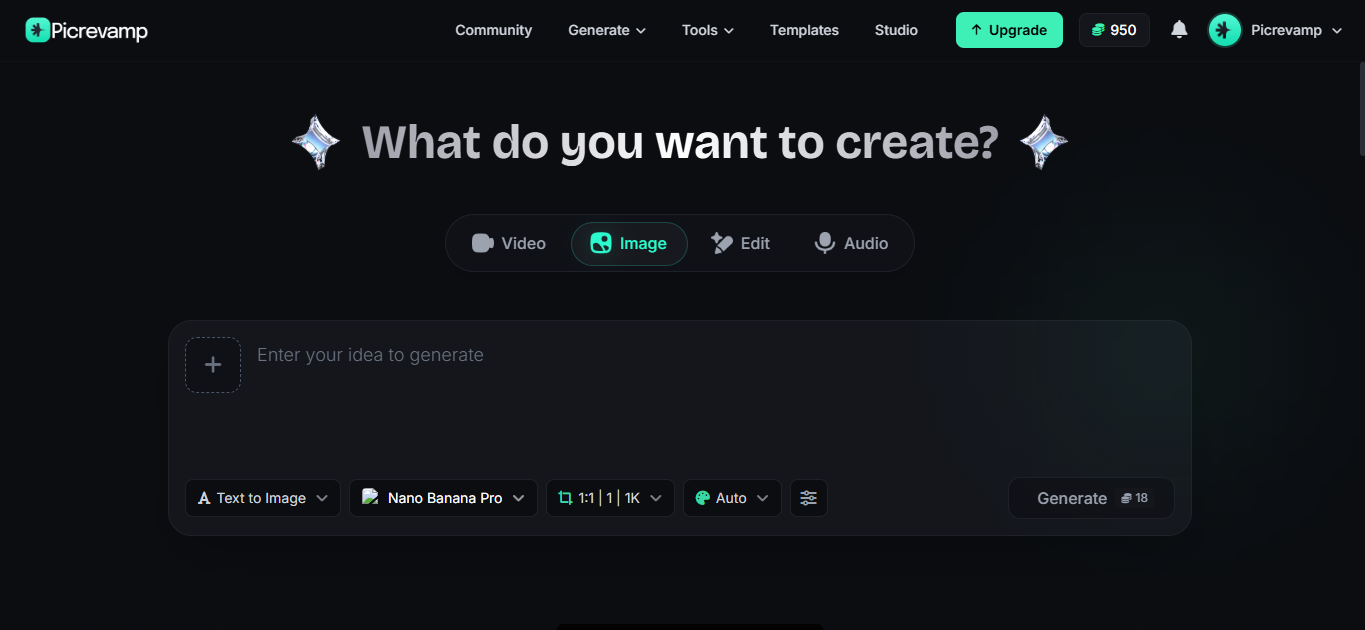
Instead of forcing every user to write a long prompt from scratch, PicRevamp gives users more than one path:
- Generate AI images
- Edit existing images
- Use image-to-image workflows
- Access multiple AI image models
- Use Templates to avoid complex prompts.
This matters because most people do not want to become prompt experts. They want a clean image.
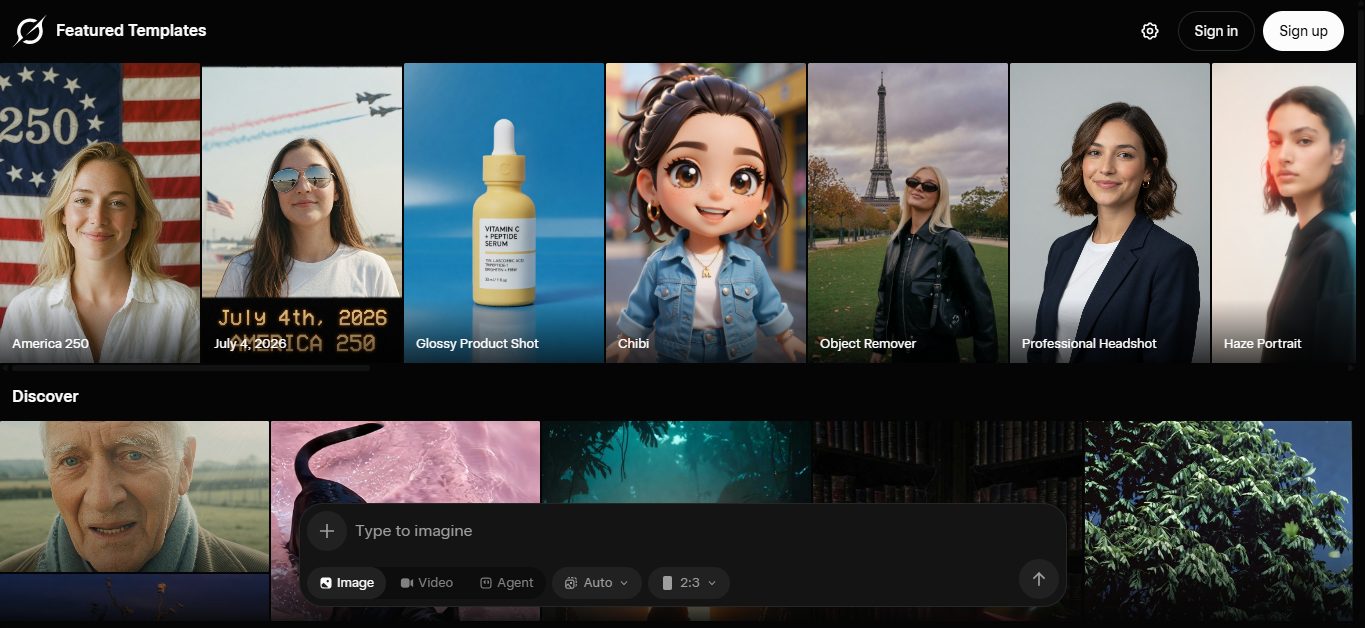
PicRevamp’s template workflow lets users choose a ready-made template, upload a photo, select a model such as Nano Banana, Nano Banana 2, or Nano Banana Pro, generate the image, and make edits if needed.
Overview
PicRevamp is useful for users who want an AI image platform that supports both generation and editing. It is especially helpful when you already have an image and want to change the style, background, mood, lighting, or creative direction.
Best for
PicRevamp is best for:
- Beginners who do not like writing long prompts
- Social media creators
- E-commerce visuals
- Product images
- Brand visuals
- AI portraits
- Image-to-image edits
- Marketing teams that need repeatable styles
PicRevamp strengths
PicRevamp’s main strength is giving you different ways to work.
You can write a prompt if you want control, use image-to-image for consistency, or pick Templates for speed.
This is useful for common tasks like:
- Turning a selfie into a profile photo
- Creating product-style images
- Testing fashion looks
- Making social media visuals
- Creating brand images
- Reusing the same style across many uploads
- Editing an existing image instead of starting over
PicRevamp models: Nano Banana, Nano Banana 2, and Nano Banana Pro
PicRevamp includes Nano Banana, Nano Banana 2, and Nano Banana Pro as image model options.
A simple way to choose:
Model | Best For | Practical Use |
Nano Banana | Quick generation | Basic visuals, ideas, prompt testing |
Nano Banana 2 | Stronger results | Styled images, creative edits, better control |
Nano Banana Pro | Polished visuals | Brand images, product visuals, advanced edits |
Use Nano Banana for quick ideas.
Use Nano Banana 2 for better detail and more control.
Use Nano Banana Pro when the final image needs to feel polished, especially for marketing, brand, or product use.
How Templates help users skip long prompts
Prompt writing takes time. You need to describe the subject, style, lighting, camera angle, background, colors, and details. Then you test and revise.
Templates make that easier.
The process is simple:
- Visit the Templates section.
- Choose a style you like.
- Upload your image.
- Select a model such as Nano Banana, Nano Banana 2, or Nano Banana Pro.
- Generate the same style.
- Edit the result if needed.
This helps when you know the style you want but cannot put it into words.
PicRevamp weaknesses
PicRevamp may not be the best choice if:
- You only want one specific external model.
- You need highly technical model customization.
- Your team is already fully built around Adobe or Canva.
- You prefer a single chat-based assistant for everything.
Pricing
PicRevamp pricing may depend on credits, plan type, and model usage. Check the current PicRevamp pricing page before using it for heavy production.
Why choose PicRevamp over Grok Imagine?
Pick PicRevamp for more control over your image workflow. Grok Imagine is good for quick images inside Grok, but PicRevamp is better if you want generation, editing, image-to-image, model choices, and templates all in one place.
It is especially helpful when you need speed but still want a polished image.
Common Mistakes When Choosing a Grok Imagine Alternative
Choosing only by image quality
Image quality is important, but it is not everything. A tool might make great images but still fall short for editing, brand consistency, or commercial use.
Ignoring editing features
Most real projects need editing. You might need to fix the background, keep the same product, change the lighting, or create variations. Pick a tool that can edit, not just generate images.
Forgetting about text rendering
If you make ads, posters, thumbnails, or product labels, text rendering is important. Ideogram, ChatGPT Images, Gemini models, and some design tools are better for this.
Not checking commercial terms.
Always check the terms before using AI images in paid campaigns, client work, online stores, or packaging.
Using one tool for every task
No tool is perfect for every job. Midjourney is great for style, Adobe is strong for design workflows, Ideogram is best for text, and PicRevamp is good for templates and image-to-image work.
The smartest approach is to use the right tool for each job.
Frequently Asked Questions
What is the best alternative to Grok Imagine in 2026?
The best alternative depends on your needs. ChatGPT Images is the best all-around option for many users. Gemini Nano Banana 2 and Nano Banana Pro are strong for image editing and reference workflows. Midjourney is best for artistic style. Adobe Firefly is best for commercial design teams. PicRevamp is a strong option if you want image generation, editing, templates, and multiple models.
What is the best free alternative to Grok Imagine?
ChatGPT, Canva, Leonardo.Ai, Recraft, and some Google AI tools offer free or limited free access. Free plans usually include usage limits, credits, or lower access to premium features.
Is Grok Imagine good for professional image generation?
Grok Imagine can be useful for quick creative work, but professional users may prefer tools with stronger editing, clearer commercial workflows, team features, or brand consistency.
Which AI image generator has the best image quality?
Midjourney is still one of the strongest tools for artistic image quality. ChatGPT Images, Gemini Nano Banana models, FLUX, Adobe Firefly, and Ideogram also produce high-quality results, depending on the style and prompt.
Which Grok Imagine alternative is best for editing existing images?
ChatGPT Images, Gemini Nano Banana models, Adobe Firefly, Recraft, and PicRevamp are strong options for editing. PicRevamp is especially useful for image-to-image workflows and templates.
Which AI image generator is best for text inside images?
Ideogram is one of the best tools for text inside images. ChatGPT Images and Gemini models are also strong choices for text-heavy visuals.
Which AI image generator is best for commercial use?
Adobe Firefly is one of the strongest choices for commercial design workflows because of Adobe’s commercial-use positioning and its integration with Creative Cloud. Canva is also strong for business design workflows. Always check the current terms before publishing commercial work.
Which Grok Imagine alternative is best for advanced users?
FLUX.2, Gemini Nano Banana Pro, ChatGPT Images, and Ideogram are strong choices for advanced users seeking greater control, improved prompt accuracy, and high-quality image results.
Is Midjourney better than Grok Imagine?
Midjourney is usually better for artistic and cinematic image quality. Grok Imagine may be better for quick image generation inside Grok. Choose Midjourney when style matters more than convenience.
Is ChatGPT Images better than Grok Imagine?
ChatGPT Images is often better for conversational editing, detailed revisions, and general creative workflows. Grok Imagine is useful if you already use Grok and want fast image creation in that environment.
Is Nano Banana Pro better than Grok Imagine?
Nano Banana Pro is a better fit when you need brand consistency, reference image workflows, and more precise creative control. Grok Imagine is better for quick generation inside Grok.
Can PicRevamp create images without long prompts?
Yes. PicRevamp Templates let users choose a ready-made style, upload an image, and generate a similar result without needing to write a complex prompt.
What is the easiest AI image generator for beginners?
ChatGPT Images, Canva, and PicRevamp are among the easiest options for beginners. They let users create images without needing to learn advanced prompt structure.
What should I check before choosing an AI image generator?
Check image quality, editing tools, prompt-following, style range, free-plan limits, commercial-use terms, privacy policy, pricing, and whether the tool fits your actual workflow.
Conclusion
The best Grok Imagine alternative is not the one with the flashiest name. It is the one that fits your creative needs.
Choose ChatGPT Images for an easy, all-purpose image assistant. Pick Gemini Nano Banana 2 or Nano Banana Pro if you care about editing, using reference images, and having more control. Go with Midjourney for artistic style. Use Adobe Firefly for commercial design. Choose Ideogram for images with lots of text. FLUX is best for advanced users who want more control over style and quality. Canva, Leonardo, Recraft, or Magnific are good if you need a wider range of creative options.
Pick PicRevamp if you want a practical workflow with image generation, editing, image-to-image features, model choices, and templates that save you from writing long prompts.
That is the real answer to finding the best alternative AI image generator for Grok Imagine in 2026: the best tool is the one that gives you usable images quickly, with less hassle, and enough control to reach your goal.
Start by trying the workflow that fits your needs best.
If you want to create images quickly, try the AI Image Generator.
For model-based workflows, check out Nano Banana, Nano Banana 2, and Nano Banana Pro.
For faster results without writing complex prompts, use Templates: pick a style, upload your image, and generate a similar result.