
PicRevamp Blog
Tutorials, updates, and insights about AI-powered creative tools

Greenscreen Remover for Video & Images in 2026
A green screen remover helps you erase green backgrounds from videos or images so you can replace them with a new scene, a transparent background, a product backdrop, or a clean, branded design. In 2026, the best tools combine AI background removal with classic chroma key controls, making clean edits much easier for creators, marketers, educators, and online sellers.
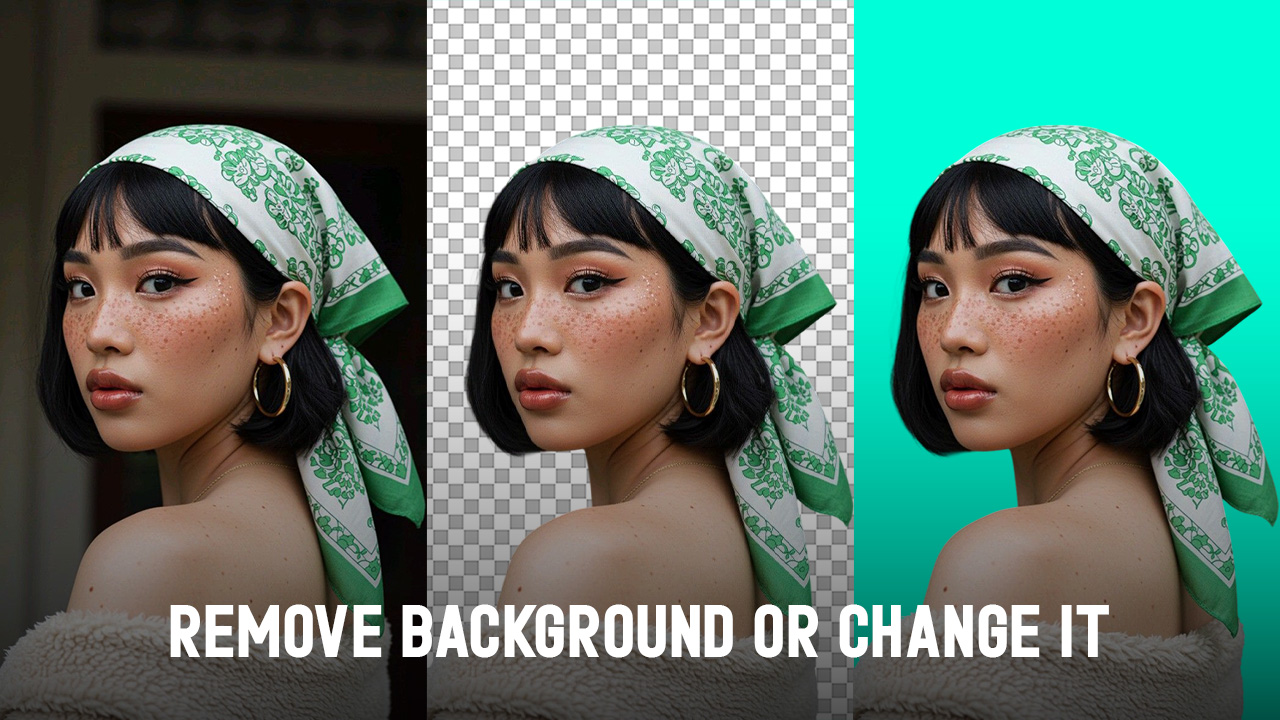
Background Remover AI: Best Tools and Tips for 2026
A background remover AI tool helps you remove messy, distracting, or unwanted image backgrounds in seconds. In 2026, these tools will be useful for product photos, social posts, profile pictures, ads, thumbnails, presentations, and everyday photo edits. This guide explains how AI background removers work, what to look for, the best use cases, common mistakes, and how to choose the right tool for your workflow.

Photoroom Background Remover: Best AI Tools for Remove Background
When people search for a photo room background remover, they often find Photoroom first. However, in 2026, many also look at options like Remove.bg, Canva, Adobe Express, Pixelcut, Picsart, PicWish, and PicRevamp. This guide will show you how AI background removers work, when to use them, which tools are best for different tasks, and how to get cleaner cutouts for product photos, portraits, social media, listings, and everyday edits.